The 8 Best AI Image Generators in 2026
AI image generators have gone from “fun toy” to “real working tool” in just a couple of years.
You see their results everywhere: social media posts, ad creatives, blog headers, product mockups, even slide decks.
In 2026, the problem is no longer “Does this work?”
It’s: “Which tool should I actually use?”
Below is a simple, human-written guide to the 8 best AI image generators in 2026, what each is good at, and when it makes sense to choose one over another.
How AI image generators work
All modern image models do roughly the same thing:
- You write a prompt.
- The model starts from random noise and gradually transforms it into an image that matches your description.
- You iterate with an additional prompt if needed.
The real difference between tools is not “magic vs no magic”, but:
- how well they understand your prompt
- how good the style and quality look
- how much control you have (editing, upscaling, style consistency)
- how well they fit into your existing tools
With that in mind, let’s look at the best options.
How people actually use AI image generators at work
Here are some real-life ways people use these tools today:
- Blog hero images
Create visuals that match the exact topic of your post instead of digging through stock sites. - Social media content
Quickly generate visuals for carousels, stories, LinkedIn posts, or ads. - Slide decks and storyboards
Turn ideas into rough “visual slides” to sell a concept or align a team. - Simple branding experiments
Explore logo directions, color palettes, icon styles, or visual moods before hiring a designer. - Mockups and concepts
Imagine how a product, packaging, or website might look and adjust faster than with traditional tools.
Do they replace designers? No.
But they do make early drafts, tests, and variations much faster.
The 8 best AI image generators in 2026
- ChatGPT (GPT-4o) – best all-rounder and easiest for non-designers
- Nano Banana (Gemini 2.5 Flash) – great if you’re already deep in Google’s ecosystem
- Midjourney – stunning artistic visuals and “wow” factor
- Reve Image – extremely strong at following detailed prompts
- Ideogram – best when you need text inside images (posters, ads, thumbnails)
- FLUX – powerful open models with lots of control for advanced users
- Adobe Firefly – ideal for photo edits and Photoshop-based workflows
- Recraft – fantastic for graphic design, icons, sets, and scalable assets
1. ChatGPT – the best AI image generator overall
If you already use ChatGPT, you’re sitting on one of the best image generators available.
You stay in one chat window, type something like:
“Create a 3:2 hero illustration for a blog about ‘making money with AI tools’, modern, friendly, no text.”
…and ChatGPT simply returns an image.
Why people love it
- You don’t need to learn a new interface – it’s the same chat you use for everything else
- It’s good at understanding complex instructions, numbers, composition and small tweaks
- You can mix text and image work in a single place: write the article, then generate the hero image, then adjust both
What to keep in mind
- It usually generates one image at a time, not big grids
- It can be slower than some other tools when generating visuals
- For heavier use, you’ll typically need a paid plan
If you want one tool that does “almost everything AI”, GPT is usually the easiest place to start.
2. Nano Banana (Gemini 2.5 Flash) – best for Google users
Nano Banana (yes, that’s really the name) is Google’s current image model, available through Gemini and other Google-powered tools.
Where it shines
- Excellent at editing existing images – changing objects, colors, or parts of a scene
- Convenient if you already live in Google tools and want AI images close to Docs, Slides, or Drive
- Capable of photorealistic outputs as well as more stylized looks
What to watch for
- Prompt adherence can sometimes be a bit loose with very detailed requests
- Images come with a visible watermark, which is good for transparency but not always ideal for branding
If your team is already using Gemini and other Google AI features, Nano Banana is a natural first stop.
3. Midjourney – best for artistic, “wow effect” results

Midjourney has been the name associated with AI art for a while—and for good reason. Its images often look like finished art pieces right out of the box.
Why creatives love it
- Consistently beautiful, stylized images with rich color and texture
- Great for concept art, moodboards, fantasy scenes, character ideas, and eye-catching social media visuals
- Offers more control now than early versions, including personalization to match your taste
Trade-offs
- Images are public by default inside the Midjourney ecosystem, which can be a concern for confidential work
- Free trials come and go; most serious use requires a subscription
If your main goal is “make something visually stunning”, Midjourney is still one of the easiest ways to get there.
4. Reve Image – best for sticking to your prompt
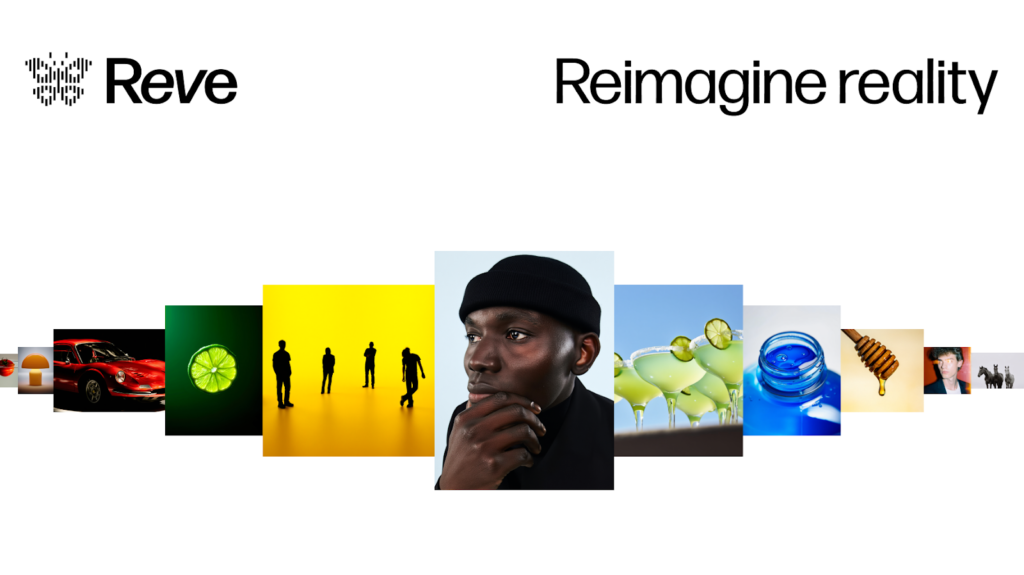
Reve Image appeared quickly and climbed to the top of many benchmarks by doing one thing very well: listening carefully to what you ask for.
What it’s great at
- Strong prompt adherence: if you describe two different characters, specific objects, or a complex scene, it tends to get the details right
- Handles multiple styles well: illustration, realism, stylized, and more
- Good at combining lots of instructions in one prompt without “forgetting” half of them
Limitations
- Editing existing images or making tiny iterative changes isn’t as smooth as with some chat-based tools
- Free usage is limited; serious use pushes you toward a paid plan
If you’re the kind of person who writes long, precise prompts and wants the model to actually follow them, Reve Image is a very strong choice.
5. Ideogram – best for text inside images
Text has always been a headache for image models. “SALE 50% OFF” often turned into sad gibberish.
Ideogram changed that. It’s one of the first mainstream tools that can handle text in images reliably.
When it’s perfect
- You need thumbnails, posters, banners, social posts or ad creatives with readable text
- You want to mix illustration and copy in one go
- You care about both style and clarity: the type should look designed, not pasted
Good to know
- There’s a free tier, but with limited weekly credits and slower priority
- As with some other community-style tools, images are public by default unless you choose a paid option
If your use case includes words on the image itself, Ideogram deserves a spot in your toolkit.
6. FLUX – best for customization and control
FLUX is the spiritual successor to Stable Diffusion, built by a team that moved on to create new open models. It’s loved by people who want deep control over how models behave.
Why advanced users like it
- Multiple model variants for different needs (quality, speed, editing, etc.)
- Often available in open-source or “playground” environments, where you can fine-tune workflows
- Great for people who want to experiment, build their own tools, or run models in more customized setups
Things to consider
- The experience depends heavily on which platform you’re using FLUX through
- Interfaces can be more technical than simple “type a prompt and go” apps
If you like to tweak settings, compare models, and have more technical control, FLUX is a strong, future-proof option.
7. Adobe Firefly – best for photo edits and creative pros
Firefly is Adobe’s answer to AI images, tightly integrated into Photoshop and other Adobe apps.
What it’s great for
- Generative Fill – adding, removing or replacing parts of a photo while matching lighting and perspective
- Expanding images – extending a picture beyond its original crop and filling in realistic surroundings
- Creating effects, textures and elements that blend naturally into real photos
Taken purely as a text-to-image generator, Firefly is good but not always the very best model on the market.
Where it truly shines is inside Photoshop: AI becomes just another powerful tool in a professional workflow.
If you or your team already live in Adobe Creative Cloud, Firefly is the most natural way to bring AI imagery into real-world projects.
8. Recraft – best for graphic design and consistent sets
Recraft is built with designers and brand work in mind. It doesn’t just generate pretty pictures—it helps you create coherent visual systems.
Why it stands out
- Great for icons, logos, UI elements, illustrations and graphics
- Can generate matching sets in one style and color system (perfect for websites, apps or branding)
- Allows exporting not only as PNG/JPG, but also vector formats like SVG for scalable design work
What to keep in mind
- It’s more feature-rich than some simpler tools, so it can feel a bit heavier at first
- Best suited for people who care about design consistency, not just one-off images
If you need assets that feel on-brand and reusable, Recraft is one of the most impressive tools available right now.
Other image generators to keep an eye on
There are many more tools in the ecosystem—platforms like Leonardo, enterprise-focused generators, and region-specific models. Quality has improved so much that the “top tier” is now quite crowded.
For most people, though, the eight above give you a clear, practical starting point without drowning you in options.
How to choose the right AI image generator for you
A simple way to decide:
- “I want one place for text and images.”
→ Start with ChatGPT (GPT-4o). - “I’m deep in Google tools already.”
→ Try Nano Banana via Gemini. - “I want jaw-dropping art and concept visuals.”
→ Go for Midjourney. - “I write long, detailed prompts and want the model to obey.”
→ Test Reve Image. - “I need text on my images (thumbnails, posters, ads).”
→ Use Ideogram. - “I’m a power user and want open, customizable models.”
→ Explore FLUX. - “I work in Photoshop or do a lot of photo editing.”
→ Lean into Adobe Firefly. - “I do branding, product, or interface design.”
→ Try Recraft.
Whichever you pick, the real skill is the same:
learning to describe what you want clearly, then iterating with the model.
That’s what turns “random cool images” into intentional visuals that support your projects, business, or creative work.
Comments
No comments yet. Be the first to comment!
Leave a Reply