9 Best AI Workflow Automation Tools in 2026
AI already writes, summarizes, and generates images for us.
The next big step is obvious: let it also move information, trigger actions, and run whole workflows in the background.
That’s where AI workflow automation tools come in.
Instead of just “when X happens in app A, do Y in app B,” these tools can:
- read and interpret content
- make decisions based on context
- call different tools and APIs
- ask for human approval when needed
In this article, we’ll walk through 9 AI automation platforms that stand out in 2026—and how to think about which one fits your level of technical skill, your stack, and your business needs.
What is an AI automation tool?
Traditional automation tools mostly route data:
“When a form is submitted, add a row to a spreadsheet and send an email.”
AI workflow tools still do that, but they also add a “brain” layer:
- Interpretation – read emails, transcripts, PDFs, or events and decide what they mean
- Generation – write replies, summaries, task descriptions, comments, documentation
- Decision-making – choose paths based on messy input, not only rigid if/else logic
- Adaptation – handle edge cases more gracefully, especially with human review in the loop
Good AI automations don’t replace thinking.
We still design the logic, control the data, and decide where humans must approve.
AI just removes a lot of the repetitive glue work in between.
How we picked these AI workflow tools
When we talk about “best” here, we look at how well tools combine:
- Flexibility & customization
Can we build both simple and advanced workflows? Is there a way to drop down into code (JS/Python) when we need full control? - Extensibility
Do they connect to key apps (CRMs, docs, communication tools, databases, etc.)? Can we bring in our own APIs and custom systems? - Visual workflow design
Can non-developers understand what’s going on from a canvas? Is it possible to reason about the flow without reading code? - Security & governance
Especially for teams: secrets management, access control, logging, monitoring, and compliance options. - Scalability
Can the platform handle more runs, more data, and more complex logic without falling apart—or becoming a nightmare to manage?
With that in mind, here are nine tools that show up again and again in real-world AI automation setups.
1. n8n – maximum flexibility for technical and enterprise teams
Best for: Technical users and teams that want deep control and room to grow.
n8n is one of the most flexible AI workflow automation platforms available today. It combines:
- a visual workflow builder with “nodes” for common services and models
- code steps in JavaScript and Python when we need custom logic
- source-available licensing and the option to self-host
We can connect third-party tools, call AI models, build multi-step agents, and orchestrate quite complex flows—all in one place. Teams that care about security and compliance also appreciate the attention to:
- secret management
- logging and debugging
- role-based access control
The trade-off: n8n is not the easiest starting point for a complete beginner. But once we invest time into learning it, it’s extremely powerful for building deterministic, auditable AI workflows that behave like real systems, not just one-off automations.
2. Zapier – the friendly option for non-technical builders
Best for: Non-technical teams connecting popular apps and adding light AI.
Zapier is one of the most accessible ways to automate work across thousands of apps. Over time, it has added more and more AI capabilities:
- AI steps inside workflows
- agent-like behavior in some flows
- an AI copilot to help build and debug automations
Where Zapier shines:
- we get 8,000+ integrations with common business tools
- the interface is beginner-friendly
- we can add simple code steps and custom API calls when we grow more confident
Zapier is ideal when we want to:
- connect standard tools (email, CRM, docs, project management)
- add AI summaries, classifications, or replies along the way
- build useful internal tools (e.g., lead routing, content tagging, notifications) without needing developers for every change
The flip side: large, complex systems can become harder to manage, and secrets or custom APIs are handled per workflow rather than globally. For very technical or heavily regulated environments, we often outgrow its guardrails—but as a starting point, it’s hard to beat.
3. Make – scenario-based automations and data-heavy flows

Best for: Automation specialists who need granular control over data flows.
Make (formerly Integromat) is known for its “scenario” builder: a canvas where we can see all steps, branches, and data transformations in detail.
Features that stand out:
- very visual representation of data moving between modules
- powerful options for mapping and transforming fields
- built-in support for multiple AI models and tools
Make is great when we want to:
- orchestrate multi-step workflows across many apps
- do heavier data manipulation and conditional logic
- add AI steps to enrich, summarize, categorize, or route information
The learning curve is steeper than basic tools: it can look simple at first, but larger scenarios demand careful design. For teams with at least one “automation-minded” person, Make can be a strong, data-focused alternative to Zapier.
4. Gumloop – niche AI workflows for teams in sales, ops, and marketing

Best for: Teams with specific AI-heavy workflows in sales, marketing, operations, support, or engineering.
Gumloop is a newer platform that leans heavily into AI-first workflows. It provides:
- templates for common use cases
- a Chrome extension for capturing context
- support for modern AI patterns like MCP (Model Context Protocol)
- an AI assistant (“Gummie”) to help design flows
It targets more specialized use cases rather than trying to be the most general-purpose tool. That’s both its strength and its limitation:
- If we fit inside its typical use cases (pipeline enrichment, outreach flows, research workflows, etc.), it can be very efficient.
- If we want a highly customized environment or hundreds of integrations, we may feel the edges sooner.
The UI can feel a bit busy when we first land there, but for teams that care specifically about AI-centric automations around text and data, Gumloop is worth exploring.
5. Lindy.ai – simple AI agents for everyday business tasks
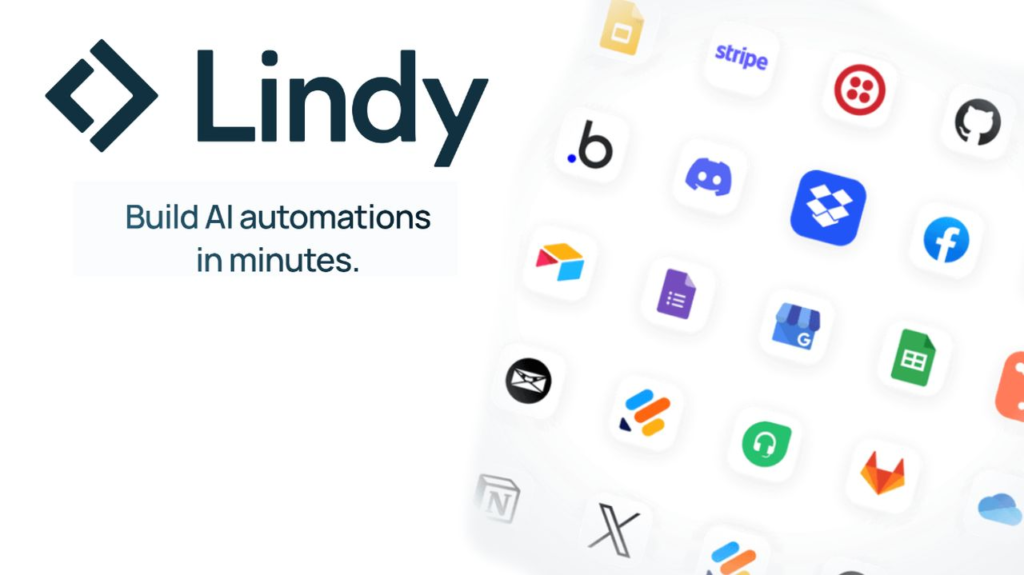
Best for: Lightweight automations around email, meetings, and recurring business tasks.
Lindy.ai positions itself as practical AI agents for work. It integrates with many common tools and focuses on:
- email and calendar workflows
- sales and CRM-related tasks
- simple automations powered by AI understanding
We can connect popular work apps, select templates, and let Lindy handle routine chores like:
- drafting follow-ups
- logging call notes
- updating records based on conversations
Its biggest advantage is its simplicity. Many users like that they can set something up quickly without understanding the full mechanics of a workflow engine.
On the other hand, that same simplicity means:
- less depth for non-AI integrations
- no code fallback
- fewer options for teams that want highly customized or complex orchestrations
We can think of Lindy as a good “everyday helper” for common tasks, rather than a full-blown automation platform for complex internal systems.
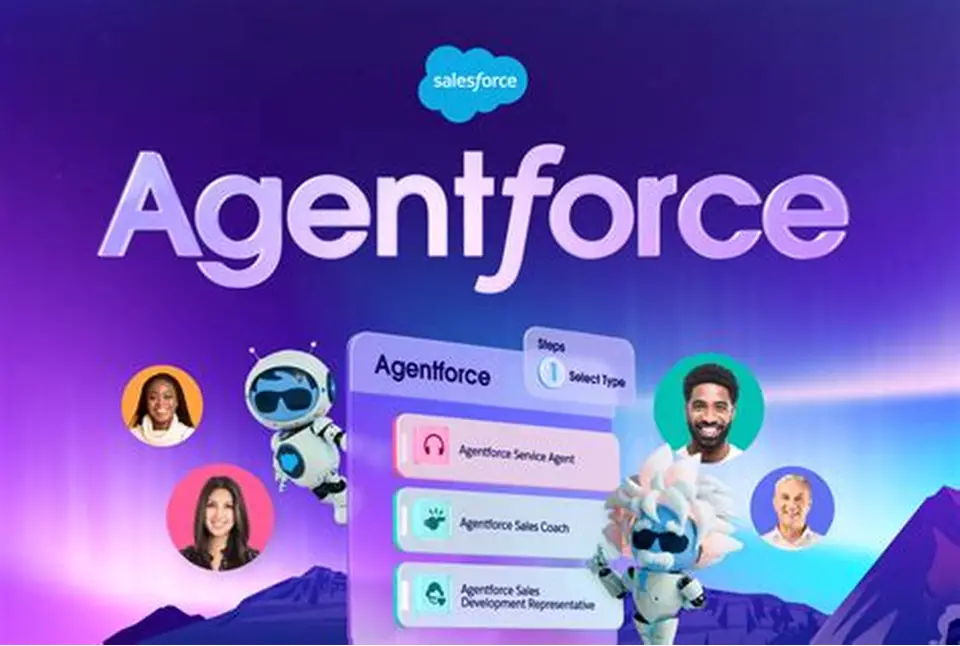
6. Agentforce – AI agents inside the Salesforce universe
Best for: Teams that live in Salesforce and want AI agents around that data.
Agentforce is built directly on top of the Salesforce platform. It focuses on:
- AI agents that understand CRM data
- sales and service workflows that cut across Salesforce objects
- multi-agent orchestration inside the Salesforce stack
For organizations already invested in Salesforce, the benefit is obvious:
- data stays inside the existing ecosystem
- permissions and security already align with Salesforce standards
- agents can act on customer records, cases, and opportunities without custom glue code
It’s more niche than general-purpose tools: we wouldn’t pick Agentforce to automate tools far outside the Salesforce world. But for large sales and service teams, it’s a natural way to bring AI into existing processes without introducing a separate automation platform.
7. Workato – enterprise-grade automation with governance
Best for: Enterprises that need serious governance, security, and cross-department integration.
Workato is a heavyweight in the integration and automation space, now with AI features woven into the platform. It offers:
- integrations with a wide range of enterprise applications
- governance dashboards for monitoring and auditing flows
- strong security posture with role-based access control and compliance options
- “Genie” agents and an AI copilot to help build and manage workflows
Workato is designed for environments where:
- many departments depend on shared automations
- there is a central IT or platform team tasked with integration at scale
- security, observability, and SLAs are critical
It’s less about “one person building a small workflow” and more about company-wide integration fabric. For smaller teams or solo builders, it will often be more than we need; for enterprises, it can become a backbone for both classic and AI-powered workflows.
8. AirOps – AI workflows for SEO and content teams

Best for: Technical SEOs and content marketers.
AirOps is tailored for content and SEO workflows rather than general automation. It leans into:
- connectors to SEO tools (like keyword and backlink platforms)
- integrations with content tools (docs, CMS, messaging)
- reusable “Power Agents” for common SEO/content tasks
We can assemble workflows that, for example:
- pull in performance data
- combine it with content or transcript sources
- generate briefs, outlines, or optimized updates
- push everything back into our content tools
AirOps also supports custom code steps and custom APIs, so technical marketers can extend what’s possible without leaving the platform.
Compared to broader tools, integration coverage is narrower, and the interface assumes some comfort with AI and content operations. But if our world is content + SEO + AI, AirOps speaks that language.
9. ChatGPT Agent Builder – agents for OpenAI-focused teams
Best for: Teams already using ChatGPT heavily and wanting to build simple agents without extra infrastructure.
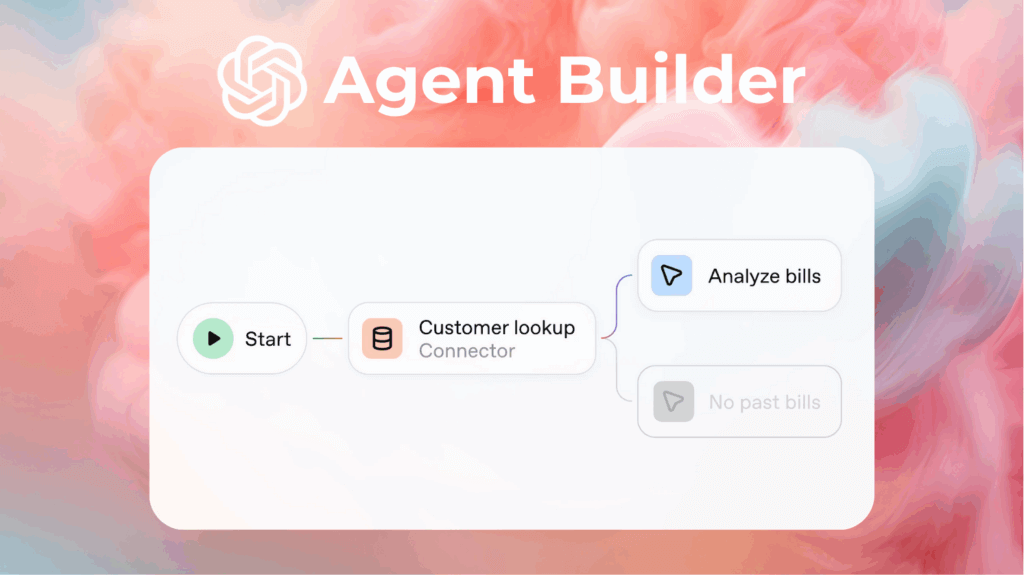
ChatGPT Agent Builder lives directly inside the ChatGPT interface and lets us:
- create agents with specific instructions and tools
- build flows using a drag-and-drop style interface
- run everything on top of OpenAI’s own infrastructure
The appeal is clear:
- if we’re already paying for ChatGPT and using it every day, we don’t need a new account or platform
- we can centralize some internal helpers (for example, a research agent, a drafting agent, a support triage agent) in the same environment we use for chat
The current limitation: it’s still early. Compared to dedicated automation platforms, we get:
- fewer trigger and scheduling options
- fewer integrations and connectors
- less determinism over runs and states
Right now, Agent Builder is interesting as an extension of the ChatGPT experience, rather than a replacement for full workflow engines like n8n or Make. But given the speed of development in this space, it’s one to watch.
FAQs: choosing the right AI workflow automation tool
Which tool is the most customizable?
For deep customization, n8n stands out. It combines:
- visual workflows
- code steps in JavaScript and Python
- source-available code and self-hosting options
That combination gives technical teams a lot of control over how automations run and how they integrate with internal systems.
Which platforms are most extensible?
We can think of extensibility in two ways:
- Breadth of ready-made integrations – here, Zapier is hard to beat for sheer number of connected apps.
- Depth of customization – n8n and Workato shine when we care about custom APIs, code, and complex, multi-system flows.
Most other tools on the list offer a mix of built-in connectors plus some path to bring in our own integrations.
Which tools support visual workflow design with AI?
All the tools in this list offer some kind of visual builder, but in different flavors:
- Most approachable for non-technical users: Zapier, Make, Lindy, Gumloop
- More technical but still visual: n8n, Workato, AirOps
A good rule of thumb: pick one tool that can stretch from simple to complex for our team, instead of juggling multiple UIs just to cover different use cases.
What’s the best option for developers?
For developers and technical teams, n8n is usually the most natural fit:
- real code steps for complex logic
- source-available setup for audits and extensions
- ability to run on our own infrastructure
Workato is also strong for developers inside large enterprises with a clear integration mandate, especially when governance and SLAs matter as much as flexibility.
What about security and enterprise needs?
For organizations with strict compliance and governance requirements, Workato and n8n are often the top contenders:
- Workato focuses heavily on enterprise governance, RBAC, and centralized control
- n8n also offers strong security features, plus the added benefit of being source-available and self-hostable
For the others, we typically treat them as team tools rather than full enterprise integration layers and review their security pages carefully before connecting sensitive systems.
Wrap-up: how to pick your AI automation stack
There’s no single “best” AI workflow automation tool for everyone. The right choice depends on:
- how technical our team is
- which apps and data we need to connect
- how strict our security and compliance requirements are
- whether we care more about breadth (lots of integrations) or depth (full customization)
A simple way to think about it:
- We want max flexibility and are comfortable with technical setups → start with n8n.
- We want something simple for non-technical team members → start with Zapier or Make.
- We work in a specialized area (Salesforce, SEO/content, pure agents) → look at Agentforce, AirOps, Lindy, or ChatGPT Agent Builder.
- We are an enterprise with heavy governance needs → seriously consider Workato (and often n8n alongside it).
Most importantly: we don’t have to solve everything at once.
We can start with one or two real workflows that hurt today, automate them carefully, and learn from there. The fastest way to find “our” tool is still the same: try it on real work and see how it behaves.
Comments
No comments yet. Be the first to comment!
Leave a Reply